
glossary
Snap
Snap is the editor’s habit of pulling the cursor onto allowed crossings so new corners land on legal points.
Freehand corners become off-grid geometry. Snap is how a drawing stays on the grid without mental arithmetic. Turn it off to inspect. Leave it on to draw. Different snaps exist: a manufacturing grid, a routing pitch, a midpoint, and an intersection with another edge. Drag a vertex and it hops in 0.05 micrometer jumps instead of sliding smoothly. The status line shows round numbers: 1.200 µm, not 1.2037 µm.
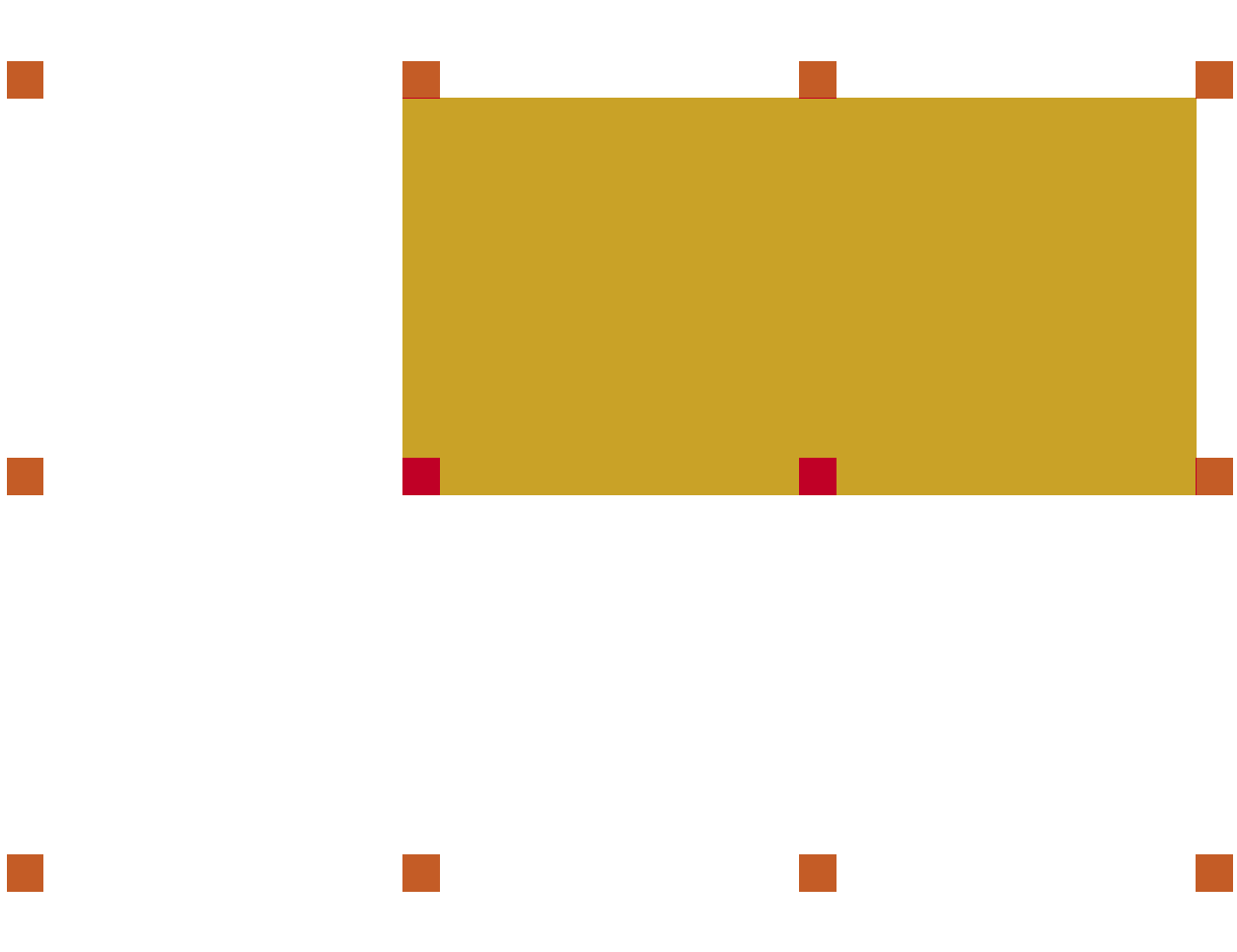
The gold rectangle's corners land on the dots. A corner drawn nearby is pulled onto a dot.
Snap does not fix old geometry. Imported DXF or a scaled cell can still sit between ticks. The stored step under the grid is a DBU. If a point must land between routing tracks, change the snap. Do not fight it with the mouse. Turning snap off in the name of precision does not add precision. Off-grid geometry is a fight with the mask writer.
The pull, the grid, and the stored step are covered in snapping and off-grid, the grid, and database units.