
Layers · Files
Layer and datatype: the two-number name
31/0 is not a street address. It is how GDS remembers two meanings on one film.
Last edited: October 1, 2026

You need to hand a factory a metal strap, and the factory asked for two numbers instead of the English name on your screen.
Those two numbers are a layer number and a datatype. Together they name a sheet in the file. A layer number is the first integer. A datatype is the second integer, a spare tag on that same number. People write the pair with a slash between the two integers. If the layer list collapses every datatype onto one row, you see one metal, and the file has three. The screen can still paint one color for every shape that shares the first integer, which is why the second integer surprises people. The file does not store the color, and it does not store the word “metal.” It stores the pair on every shape.
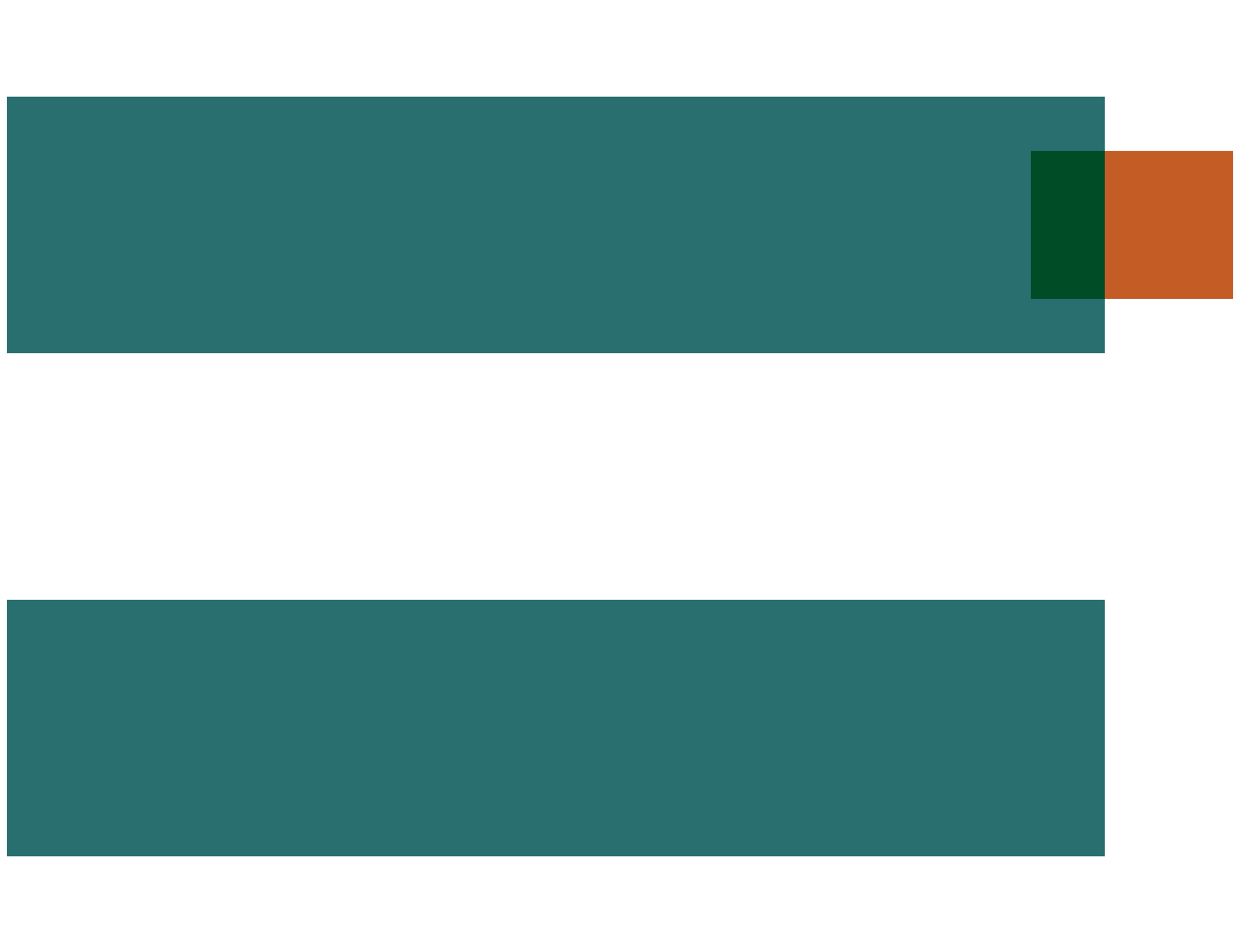
Open one view for each pair, and read the fracture list against that pair before the file leaves. The picture at the top of this page is the pairing with the marks still on the straps. The second picture pulls the same cases apart.
Telling one sheet identity from another
The second picture is the same metal strap, shown twice, so the second integer is visible.

On the left, the teal strap keeps its orange end mark. On the right, the strap is the same and the orange mark is omitted: one layer number, the drawing datatype only, the pin datatype turned off. The copper square sits apart from both. It is not another datatype of that metal. It is a different layer number, a cut. A new process film gets a new first integer, the way that copper square does. A pin on metal you already draw keeps the metal’s layer number and changes the datatype, the way the orange mark does.
Treat that split as the check. Hide every pair except one. With only the drawing datatype on, the straps remain and the marks do not. With only the pin datatype on, the marks remain, and that datatype must be absent from the fracture list for the metal plate. With only the cut’s layer number on, the copper square remains, and that number must be the one the contact plate is told to write. A single row in the layer list cannot give you any of those three answers. If the pin datatype is listed beside the drawing datatype, the marks will be written as chrome. If the cut’s pair is missing from the contact plate, the squares will not be opened.
Why share the number at all? A pin has to sit on the metal it names, and a blockage has to refer to the film it blocks. Reusing the layer number keeps that film’s purposes in one family. The datatype tells a netlister “this mark is a pin,” and it tells a mask deck “do not fracture this datatype.” If the deck fractures every datatype on that layer number, the marks become chrome on the metal mask. If the viewer shows only the drawing datatype, the marks vanish from the screen and remain in the file. Both failures look like a mystery until you turn the second integer on.
The file format that made this habit famous is GDSII, a stream file of cells and shapes. Inside it, a polygon is a list of integer points plus those two small integers. OASIS can pack the same idea more tightly, and people in a meeting still say the pair out loud. Board plots usually skip the habit and send one drawing per film. Chip handoff still uses the pair because one file carries every sheet. Your editor’s layer list is a view of the pairs. A row that hides the second integer is how three sheets become one line on the screen.
Marks that were written into the mask
The end marks were pins. They shared a layer number with the straps and used a second datatype so a comparator could find the ports. The mask deck was told to fracture that layer number, and nobody restricted the datatype. The caps were written as metal at the ends of the straps. The squares that should have been a cut, with their own pair, had been copied onto the pin datatype during a cleanup. They became metal too. The chip had extra chrome where the marks had been, and the real contact mask was missing those squares. The drawing on the screen had looked finished the whole time. Paint had followed the first integer. The second integer had been doing a different job.
When you add a purpose, decide whether it is a new film or a new tag on an old film. Then open one view per pair and read the fracture list against that pair. The second picture is that view: the mark present, the mark omitted, and the other sheet set apart. The drawing datatype should appear without the pin datatype. The pin datatype should stay off the metal plate. A cut should keep its own first integer. The two integers are the name the factory will believe.
One view per pair
The straps and the end marks shared a layer number and used a second datatype so a comparator could find the ports. The mask deck was told to fracture that layer number, and nobody restricted the datatype. The caps were written as metal. Squares that should have been a cut had been copied onto the pin datatype during a cleanup, and they became metal too. The contact mask missed them. The screen looked finished because paint followed the first integer.
Open one view per pair, the way the second picture separates the mark that is present, the mark that is omitted, and the other sheet. The drawing datatype should appear without the pin datatype. The pin datatype should stay off the metal plate. A cut keeps its own first integer. Read the fracture list against each pair before the file leaves. Two integers are the name the factory will believe. A purpose is either a new film or a tag on an old film, and the deck has to be told which.
Continue exploring
-
 What a layer is for: layer numbers, purposes, and hiding sheets
A layer is a sheet the factory spends a process step on. GDS layer/datatype pairs with real SKY130 numbers, drawn vs derived layers, and why hiding a layer is a filter, not a delete.
-
 Process layers versus drawing layers
Some sheets become matter. Some sheets are notes to tools and humans. Do not chrome the notes.
-
 GDSII in plain language
A 1970s suitcase that still carries almost every chip drawing on Earth.
-
 Datatype
-
 OASIS vs GDSII: when GDS gets huge
OASIS (SEMI P39) can store a repeated shape as one record plus a repetition, so contact, via, and fill fields take less space than in GDSII; unique polygons do not get smaller.